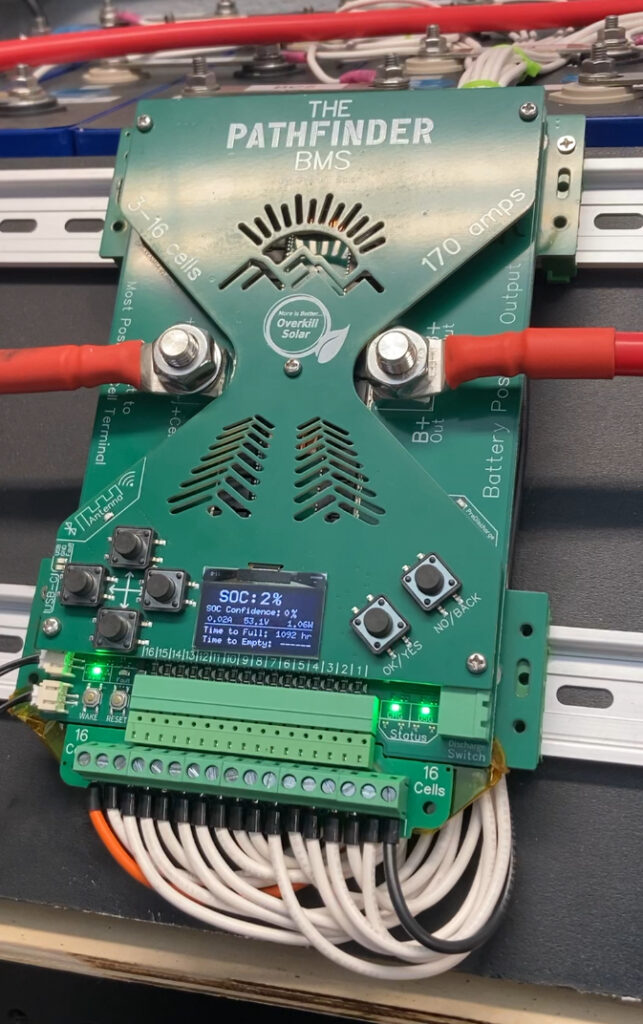
Since the last update We have been coding the Pathfinder BMS firmware every day. It looks the same, but it does a lot more stuff.
What works:
- Automatic cell detection from 3 to 16 cells- one BMS model covers it all.
- Positive side switching- Easier to set up, and fully compatible with chassis ground electrical systems.
- Advanced State-of-Charge monitoring via the BQ34Z100 “fuel gauge” chip.
- OTA updates: Over-the-air firmware updates via WIFI.
- UF2 Updates: Load new firmware with a drag and drop USB interface.
- Bluetooth app.
- USB app: no extra dongles- USB-C is built in.
- All of the data monitoring is available on the built in OLED screen.
- Manual control of the outputs via the screen
- All parameters can be set up via the free Bluetooth or USB apps
What will work soon:
- Home Assistant integration: The pathfinder will be automatically discoverable by Home Assistant via MQTT (looking into Solar Assistant too)
- All parameters can be set up via the OLED screen
SOC: State of Charge

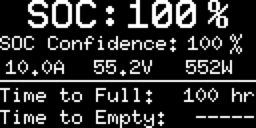
This screen takes data from the fuel gauge chip and displays State of Charge with a confidence level. When all parameters are set correctly for the cell chemistry and the chip has completed a learning cycle, the confidence level will approach 100%. This is much better than other BMSs, which use a oversimplified voltage lookup table. It also calculates the Time to Full and Time to empty based on average current and battery capacity.
SOH: State of Health


The state of health is the ratio of design capacity to measured capacity
Manual Controls and MOSFET Status
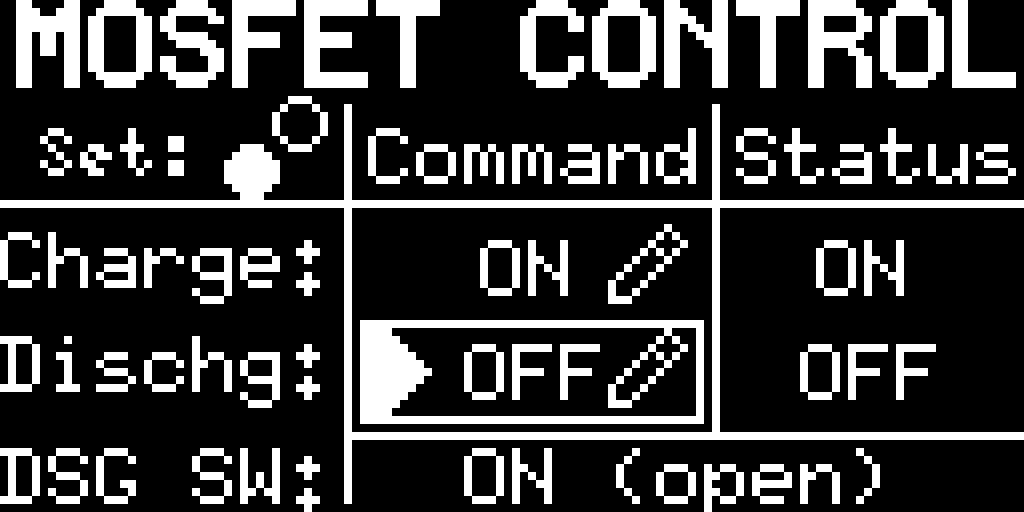
This page allows you to manually switch off the charge or discharge MOSFETs (The solid state main outputs), and it shows the actual status of the outputs and the discharge switch input.
Session Values
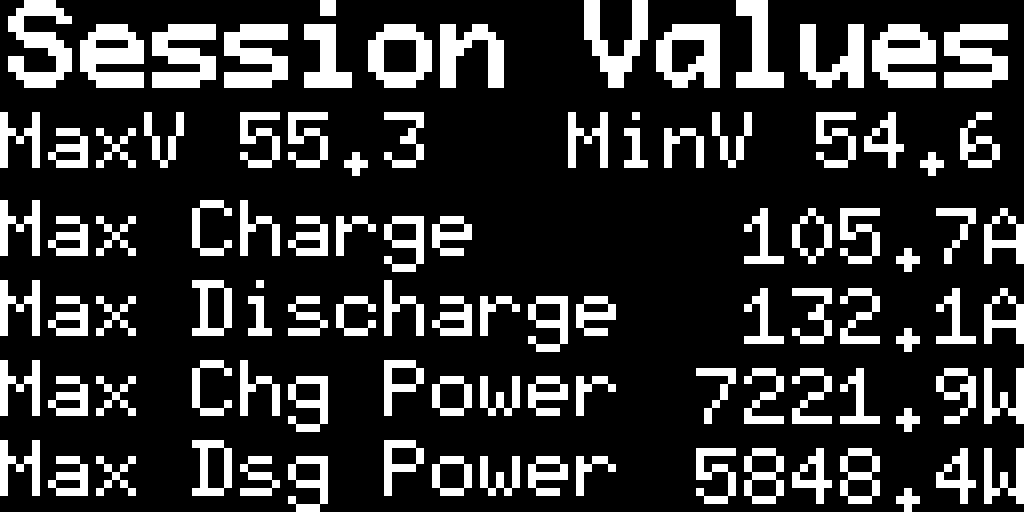
The max and min for battery voltage, current, and power since the last reset
Battery Voltages
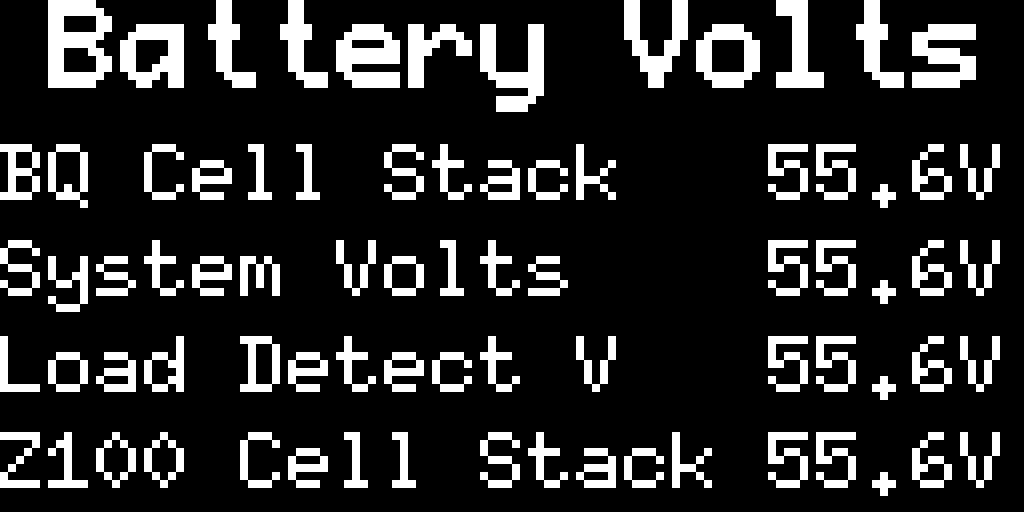
This page monitors the voltage of the cell stack, as well as the system voltage on the output side.
All Cell Voltages
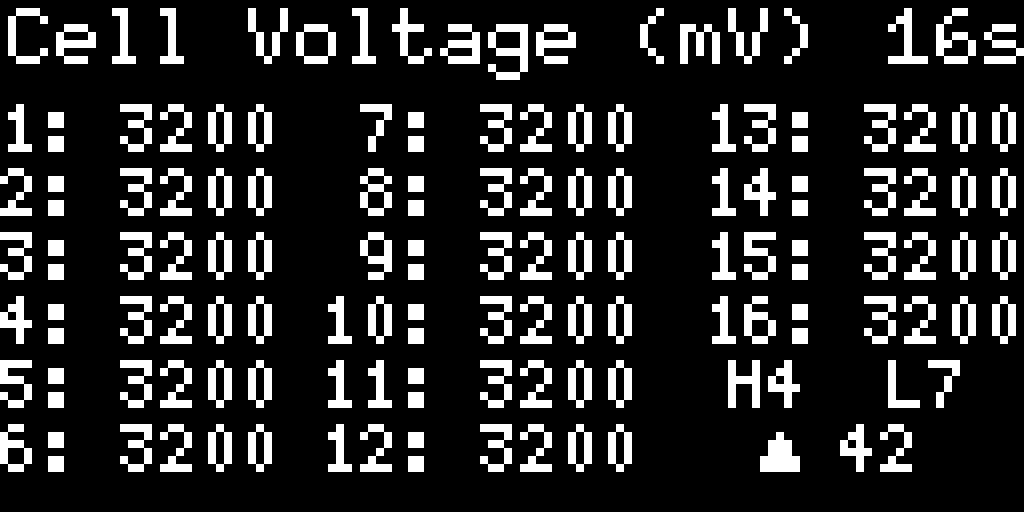
This screen monitors all the individual cell voltages, and indicates the high and low cells and the delta. A similar screen displays all of the cell inputs even if the BMS is configured for fewer cells, and allows manual testing of the balancer for troubleshooting.
WiFi Setup
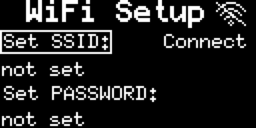
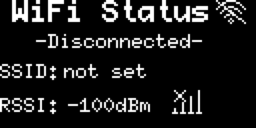
These screens let you set up the WiFi SSID and password. To use OTA updates or MQTT, WiFi must be connected. The Pathfinder is built with a focus on privacy- the WiFi connection is only used to check our Github for firmware updates or for local network monitoring. Remote monitoring can be relayed through Home Assistant, and in a later firmware update we plan to set up remote monitoring in the mobile app via a relay server, probably using the MQTT protocol. It should also be possible to do this via a local MQTT relay, if you want to set it up on your network.
Firmware Updates
The Pathfinder BMS firmware can be updated in 2 ways: OTA (Over-The-Air) or UF2 (USB Flashing Format).
The Overkill Solar website will have the change log for each release, and past releases will be archived in UF2 format.
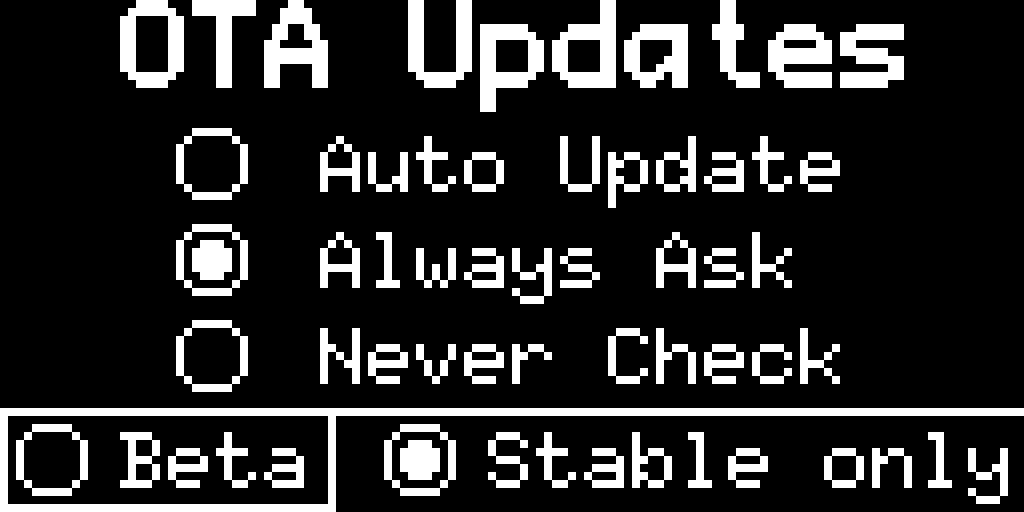
Over-the-Air updates can update the BMS firmware via WiFi if it is connected. This screen lets you set it for automatic updates, or to always ask first (default), or to never check for updates. You can also opt in to Beta versions of the new firmware.
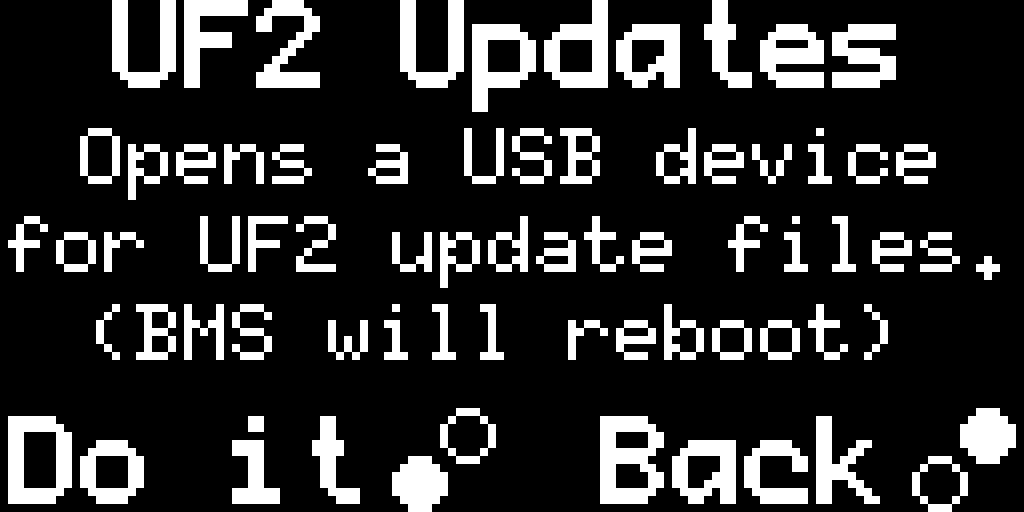
To flash a firmware update, plug the BMS in a PC via the USB-C port, and put it into UF2 mode via the onscreen menu.
A new USB drive will appear on the computer. Copy or drag-n-drop the .UF2 file into the new drive.
When the transfer is finished the BMS will reboot into run mode with the new firmware.
The firmware version is displayed during boot up.